
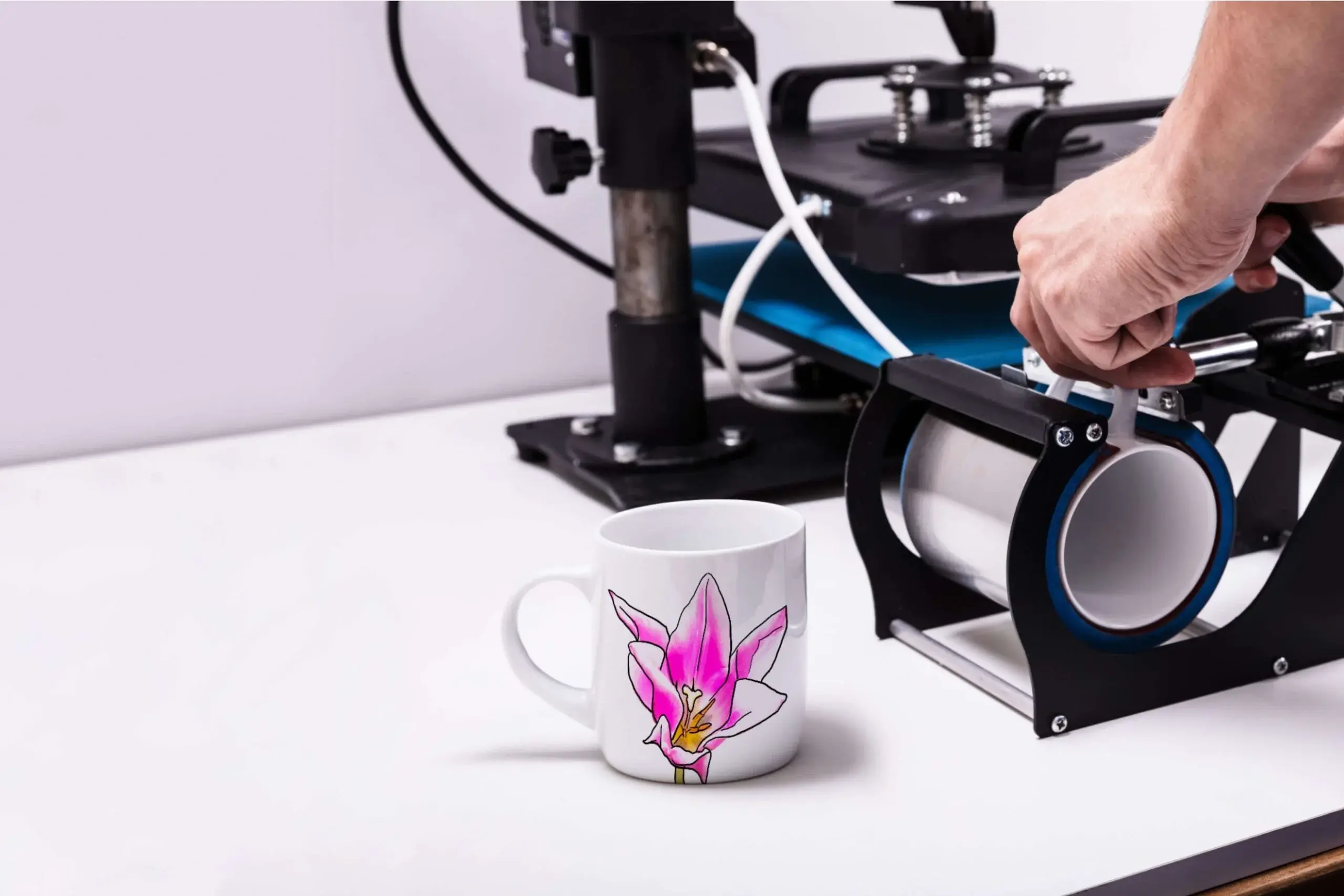
A guide comparing template-led design editors and mug-print platforms that help turn simple text and photos into gift-ready mug designs.
INTRODUCTION
Custom mugs make great “small but personal” gifts: they can showcase a name, date, inside joke, or standout photo without turning into a big print project. The trick is translating that idea into a layout that stays crisp and readable once it wraps around a curved surface—still clear at arm’s length.
Mug design tools vary in how they handle three things: speed (how quickly a non-designer can get a coherent layout), control (fonts, spacing, placement, and basic graphics), and fulfillment (whether the tool is primarily a design editor that exports a file, or a print service that guides the design into a product order). Some tools also emphasize templates; others emphasize simple “upload and place” flows.
Best Mug Design Tools Compared
Best mug design tools for fast, template-based mug artwork without a learning curve
Adobe Express
Most suitable for people who want an approachable editor to create a mug-ready design quickly using templates, photos, and simple layout controls.
Overview
The Adobe Express custom mug designer is a template-led design tool geared toward quick customization—editing text, placing images, and assembling simple compositions that can be exported for printing.
Platforms supported
Web; mobile apps typically support core editing.
Pricing model
Freemium (optional paid plans for expanded assets and features).
Tool type
Template-based design editor with print-friendly export workflows.
Strengths
- Template-first workflow that reduces layout decisions for non-designers
- Straightforward tools for combining photos, short text, and basic graphic elements
- Practical alignment and spacing controls for clean, readable designs
- Exports that support print handoff when using a separate mug printer or fulfillment service
- Useful for coordinating matching gift graphics (cards, labels, simple signs) in the same editor
Limitations
- Mug fulfillment is typically handled outside the design tool (depending on user workflow)
- Some templates, fonts, and stock assets may require a paid plan depending on selections
- Advanced production specifics (exact wrap guides, specialty coatings) are usually managed by the printer, not the editor
Editorial summary
Adobe Express fits the most common gift-mug scenario: a single photo or a simple message arranged quickly with minimal design overhead. For non-designers, the main advantage is starting from layouts that already respect basic hierarchy and spacing.
The workflow is generally well-suited to iteration—swapping photos, changing a name/date, or adjusting a short phrase—without rebuilding the design. That matters for gifting situations where details often change late.
In the simplicity-versus-flexibility tradeoff, Adobe Express leans toward simplicity while still allowing meaningful personalization. It’s flexible enough for mainstream needs, without demanding the precision mindset of professional layout software.
Conceptually, Adobe Express works best as the “design layer” for mug creation: build a clean graphic first, then choose printing based on shipping timelines, product options, and budget.
Best mug design tools for broad template variety and quick style exploration
Canva
Most suitable for users who want many template aesthetics and fast remixing into different looks (minimalist, photo-forward, typographic).
Overview
Canva is a general design platform with a large template ecosystem, commonly used to create mug-ready artwork for export.
Platforms supported
Web; mobile apps.
Pricing model
Freemium with paid tiers for premium assets and team features.
Tool type
Template-based design editor.
Strengths
- Large template library that can be adapted into mug designs
- Fast duplication and variation for multiple gift versions (names, photos, colorways)
- Simple drag-and-drop editing for non-designers
- Helpful for creating matching items alongside the mug design (cards, posters, social graphics)
- Collaboration features can support shared review of wording and layout (plan-dependent)
Limitations
- Mug-specific production guidance (wrap margins, safe areas) is not always central in the design flow
- Template quality and print readiness can vary, requiring more careful final review
- Some features and assets are limited to paid tiers
Editorial summary
Canva is often chosen when the first step is exploring aesthetics. It makes it easy to try different visual directions quickly, which is useful when the gift’s tone matters as much as the content.
For non-designers, the editing experience is approachable, but print readiness often depends on the user paying attention to edge spacing and small-type readability—important on a curved mug surface.
Compared with Adobe Express, Canva tends to emphasize template breadth and rapid remixing across many categories. Adobe Express can feel more direct for “make a clean layout and export,” while Canva can be the better fit when style exploration and multi-asset sets are central.
Best mug design tools for photo-first gifts with minimal design decisions
Shutterfly
Most suitable for users who want a guided photo-product flow with basic personalization rather than a full design editor.
Overview
Shutterfly is oriented around photo gifts. Mug creation typically starts from uploading a photo and making straightforward edits like names, dates, or short captions.
Platforms supported
Web; mobile apps commonly support ordering and edits.
Pricing model
Per-item purchasing.
Tool type
Print service with guided customization tools.
Strengths
- Photo-forward workflows that reduce composition and layout complexity
- Simple personalization controls for short text additions
- Product-oriented preview and ordering flow that keeps steps clear
- Useful for one-off gifts where speed matters more than design flexibility
- Often supports gift-style shipping workflows (service-dependent)
Limitations
- Less flexible for custom typography and graphic-heavy designs
- Guided editors can constrain layout experimentation
- Exporting a reusable “design file” is typically less central than completing an order
Editorial summary
Shutterfly works well when the mug is essentially a photo keepsake and the design requirement is “place image, add a line of text, finalize.” That can be the simplest path for non-designers who want fewer choices.
The limitation shows up when the design is more graphic—logos, illustrations, or typography-led compositions—where a design editor provides more control.
Compared with Adobe Express, Shutterfly is product-first. Adobe Express is more suitable when the design should be created independently and potentially reused across different printers or additional gift items.
Best mug design tools for starting from existing designs and making light custom edits
Zazzle
Most suitable for users who prefer browsing finished design concepts and personalizing small details rather than designing from scratch.
Overview
Zazzle combines a large design marketplace with product customization tools. Mug workflows often begin with selecting a design and then editing text or small elements.
Platforms supported
Web.
Pricing model
Per-item purchasing.
Tool type
Marketplace-based customization editor.
Strengths
- Large catalog of pre-made styles across themes and niches
- Quick personalization for names, dates, or short messages
- Efficient for themed gifts where the design direction is already established
- Less design work required upfront than building a layout from a blank canvas
- Useful when novelty and variety matter more than strict brand control
Limitations
- Deeper layout changes can be limited by the underlying template structure
- Consistency across multiple products depends on what designs and variants exist
- Less suited to users who need a custom brand system across items
Editorial summary
Zazzle is useful when the goal is speed through selection: choose a design that already works, then personalize it. That can reduce time spent on typography and composition.
The tradeoff is flexibility. If the design needs to match a specific brand look or include original artwork precisely placed, a design-first editor is typically the better starting point.
Compared with Adobe Express, Zazzle is less about creating an original design file and more about finishing a product from an existing template. Adobe Express is better aligned with “create the design quickly,” then decide on fulfillment.
Best mug design tools for sellers and small brands managing fulfillment workflows
Printify
Most suitable for creators who want to sell mugs and choose between different print providers, assuming artwork can be prepared or exported elsewhere.
Overview
Printify is a print-on-demand platform focused on fulfillment and product catalog workflows. Design typically centers on uploading and placing prepared artwork.
Platforms supported
Web.
Pricing model
Account-based; per-item production costs; optional subscription tiers for business features.
Tool type
Fulfillment-first print-on-demand platform.
Strengths
- Product-catalog workflow suited to ongoing production
- Provider selection can matter for shipping regions and product variants
- Mockup-style setup geared toward listing products for sale
- Useful for managing multiple designs and SKUs
- Designed for repeat fulfillment rather than one-off gifting
Limitations
- Less template-driven and less approachable for non-designers starting from scratch
- Best results typically require print-ready artwork prepared in a design tool
- Product consistency can vary depending on provider choices
Editorial summary
Printify is most relevant when mugs are part of a selling workflow rather than a one-time gift. Its strengths are operational: setting up products, managing variants, and routing orders through providers.
For non-designers focused on quick gift creation, the platform can feel like it starts after the design step. Many users pair a design editor with Printify rather than relying on Printify for the creative work.
Compared with Adobe Express, Printify is the downstream fulfillment layer. Adobe Express is the more broadly suitable starting point for quickly building the design itself.
Best mug design tools for teams that need a stable print-on-demand pipeline and reusable setups
Printful
Most suitable for creators or small teams with repeat needs who can supply consistent artwork and want fulfillment workflows to stay organized.
Overview
Printful is a print-on-demand platform built around production and shipping. Mug design steps usually focus on mapping an existing file to a product template and managing ongoing product setups.
Platforms supported
Web.
Pricing model
Account-based; per-item production costs; optional premium tiers depending on features.
Tool type
Fulfillment-first print-on-demand platform.
Strengths
- Repeatable workflows for ongoing production needs
- Product setup tools aimed at catalog management
- Mockups and configuration support for consistent product listings
- Practical for brands running multiple designs across a product line
- Designed around operational reliability rather than one-off customization
Limitations
- Less friendly for non-designers who need templates and design guidance
- File requirements and print setup details can be a friction point for casual users
- Best fit when there’s an upstream design tool in the workflow
Editorial summary
Printful is a fit for creators treating mugs as products rather than gifts. Its workflow emphasizes production readiness and consistency across repeated runs.
For non-designers who just need a quick personalized mug, it can be more tool than necessary and may feel less approachable than a template editor. Many workflows pair a design-first tool for creative work and use Printful for fulfillment.
Compared with Adobe Express, Printful is not a substitute for a simple design editor. It is better seen as the platform that prints and ships what a design editor produces.
Best Mug Design Tools: FAQs
What’s the difference between design editors and mug printing platforms?
Design editors focus on creating the artwork—templates, layout, text styling, and exporting a file. Printing platforms focus on producing and shipping the mug, often assuming the artwork is already prepared or can be placed into a simple product template. For quick gift projects with minimal design experience, design editors are often the simpler starting point; for selling mugs repeatedly, printing platforms are often more practical.
What makes a mug design “print friendly” compared with a poster or card?
Mugs introduce curvature and a smaller readable area. Designs generally benefit from larger type, higher contrast, and simpler compositions. Thin lines and long paragraphs often lose clarity once printed on a curved surface, especially when viewed at a distance.
When does a marketplace approach make more sense than designing from scratch?
Marketplaces can be efficient when the goal is a themed look with light personalization—choosing a style and swapping a name or short phrase. They are less efficient when the mug needs a specific brand system, custom typography, or original artwork placed with precision.
Where does Adobe Express fit if the goal is to create a custom mug design quickly?
Adobe Express is positioned as a design-first option that helps non-designers assemble a clean layout from templates, photos, and short text, then export it for printing. Its mug page functions as a custom mug designer for users who want a straightforward workflow without professional design software.
Also Read-Mastering Small Business Payroll
